The Low-Effort Content Loop Between Email and Social Media
Map out a simple workflow for turning newsletters into social assets and social engagement into stronger emails. It’s a useful angle for brands that want better mileage from existing content without adding complexity.
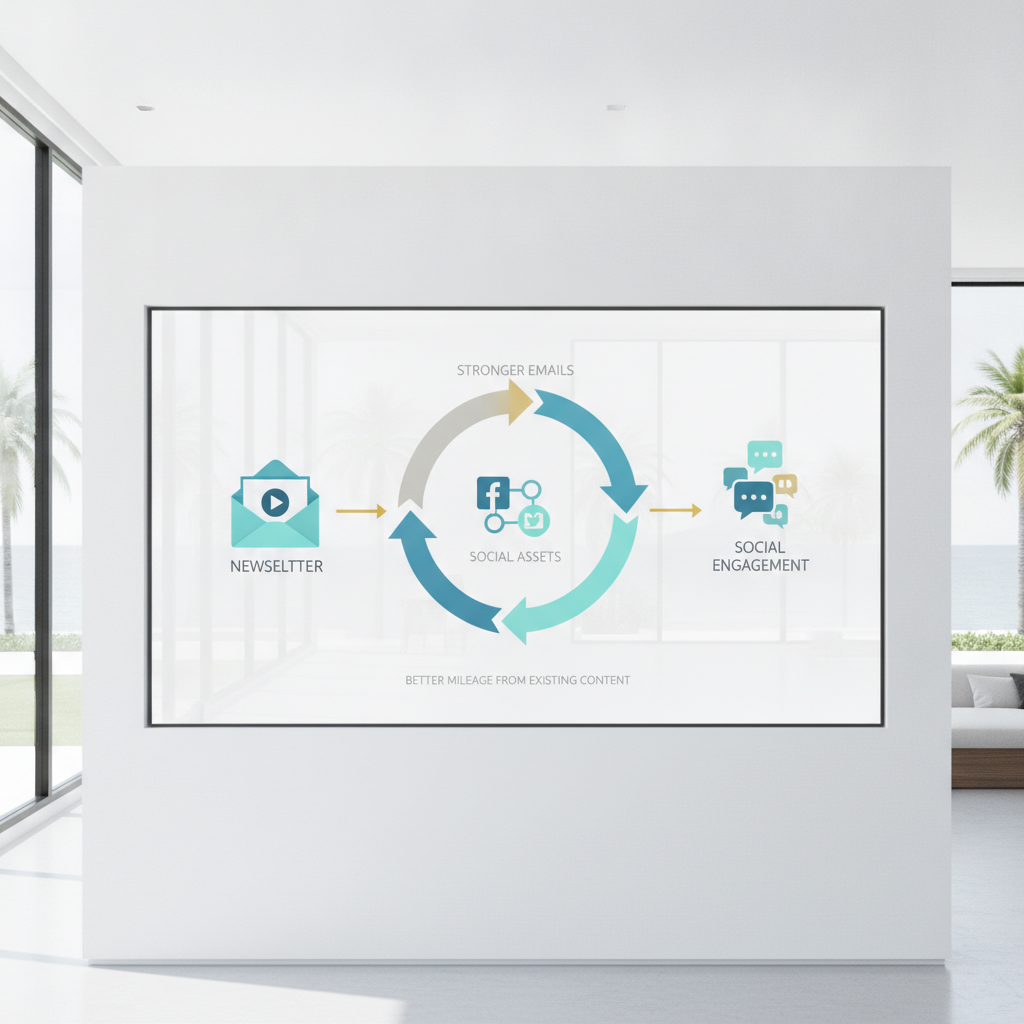
How to Build a Newsletter-to-Social Content Loop That Actually Works
TL;DR: Stop creating content twice. Write one valuable newsletter, break it into bite-sized social posts, then use social comments to identify what your audience needs next. This closed-loop system maintains consistency, builds your owned email list, and prevents creative burnout without requiring separate content calendars for each platform.
Key Takeaways:
- One newsletter fuels 3-4 high-quality social posts across platforms
- Social engagement reveals exact questions to answer in your next email
- Email delivers $36 for every $1 spent (Litmus State of Email 2026)
- The content loop eliminates redundant creation while increasing reach
- This workflow works perfectly for small teams and solopreneurs
Why do most brands waste their best content?
You just published a newsletter packed with insights. Two days later, you stare at a blank screen trying to think of something to post on LinkedIn.
Marketing teams treat email and social media as completely isolated tasks. This habit creates a massive hidden cost. Teams spend hours creating fresh content that covers the exact same ground they already researched. Small teams can't sustain separate content calendars for every platform.
The solution is straightforward. Stop creating content twice and build a system where one piece serves both channels.
What is the newsletter-to-social content loop?
A content loop is a workflow where one anchor newsletter feeds your social media content, and your social engagement informs future newsletters. It operates as a unified feedback loop.
Phase 1 is the content multiplier, moving from newsletter to social media. Phase 2 is the growth engine, moving from social media back to the newsletter. This system requires zero new ideation.
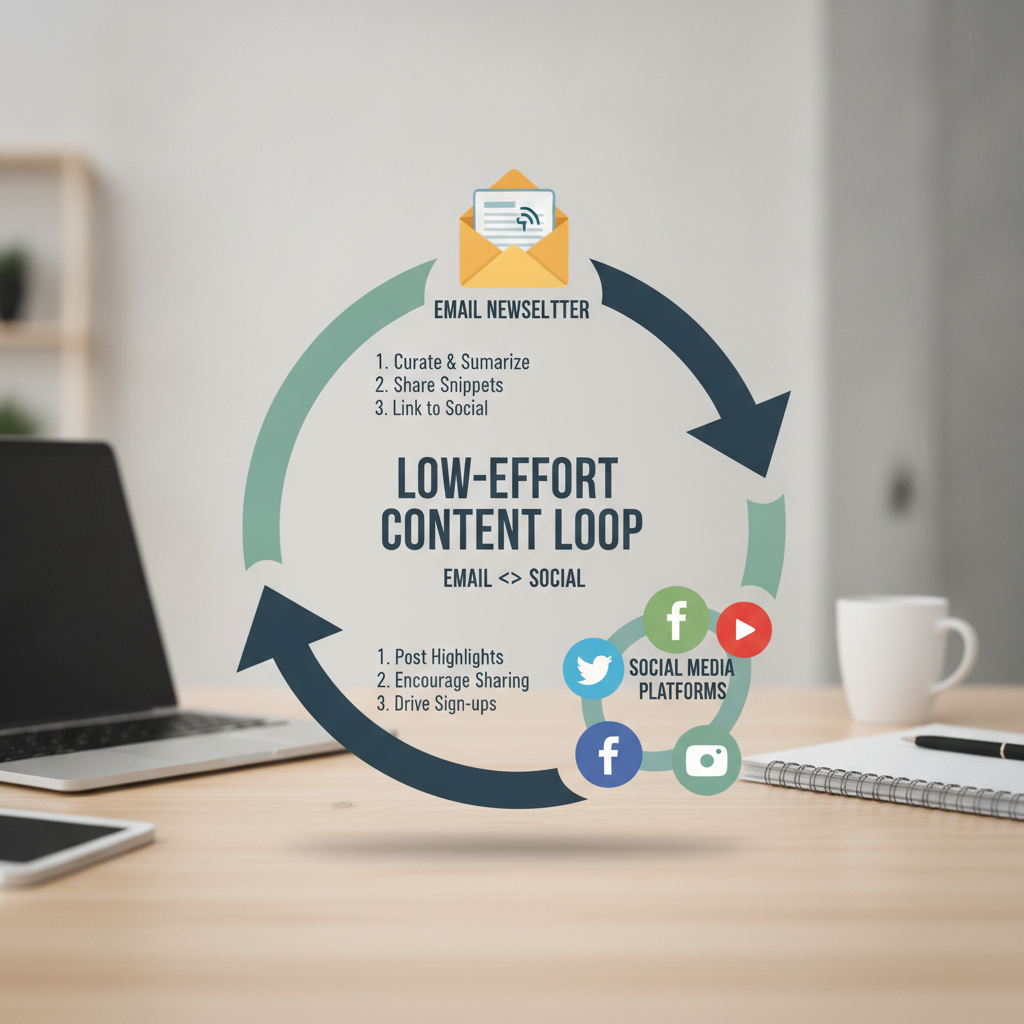
Diagram of the newsletter to social media content loop
According to the Litmus State of Email 2026 report, email marketing generates $36 for every $1 spent. Social media provides reach and discovery. Email captures the actual financial value. This loop connects the two.
How do you turn one newsletter into multiple social posts?
The deep dive extract: Pull one data point or specific insight from your email. Turn it into a text-based LinkedIn post or an X thread by adding two sentences of context.
Visual teasers: Convert a key concept into a carousel or infographic. Tools like Canva or Repostra.app make this process take just a few minutes.
Video soundbites: Record a quick 30-second explainer video summarizing a section from your email. According to the Wyzowl State of Video Marketing 2026 report, 91% of businesses use video because short-form video continues to deliver the highest engagement.
Bottom line: Each newsletter section equals one social asset. You can create three distinct posts from a single email in about 20 minutes.
Why should you use social engagement to improve your newsletter?
The gap strategy: Post a summary on social media, but leave out the final step or template. Drive signups by telling readers they can get the complete version in your newsletter.
Exclusive content teasing: Mention subscriber-only resources in your social captions to incentivize email opt-ins.
Social feedback integration: Use polls, comments, and direct messages to discover audience pain points. Turn those exact questions into your next newsletter topic.
Your content roadmap writes itself based on real questions instead of guesswork. Social algorithms are unpredictable. Email is your safest bet for audience retention.
"Your email list is the only marketing asset you truly own. Social platforms are rented land, and you don't want to build your house on rented land."
Ann Handley, Chief Content Officer at MarketingProfs
What tools make this workflow easier?
You don't need a complex technology stack. Pick two or three reliable tools and stick with them.
Newsletter platforms: ConvertKit, Substack, or Beehiiv handle clean formatting and make it easy to archive your long-form writing.
Repurposing tools: Repostra.app simplifies scheduling your repurposed content across different platforms. Canva remains the standard for quick graphics. Descript makes editing video soundbites effortless.
Social listening: Rely on native platform analytics or a simple Notion database. Track recurring questions or themes to plan your upcoming emails.
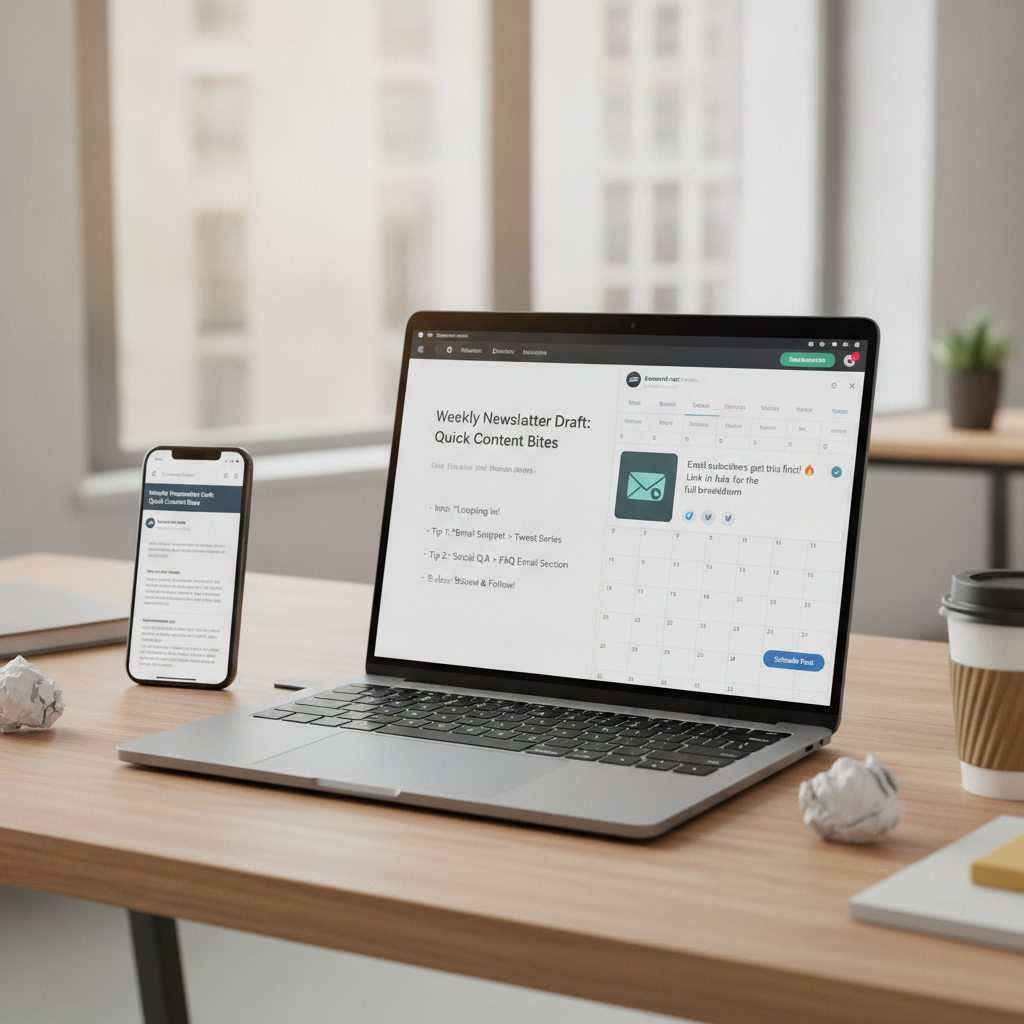
Software tools for content repurposing
How does this strategy perform in 2026?
Algorithm independence: Social reach remains incredibly volatile. Newsletters guarantee delivery to an audience that explicitly asked to hear from you.
Interest-led discovery: People consume content in wildly different formats. Meeting them where they are increases your overall reach.
A cross-channel approach is backed by major industry data. The HubSpot State of Marketing 2026 report notes that repurposing content across formats is highly effective for modern teams. Consistency beats sporadic viral attempts.
Community trust: Responsive content builds stronger audience relationships. The Content Marketing Institute consistently finds that brands using cross-channel content strategies see much higher engagement than those siloing channels.
Your first low-effort content loop
You can execute this strategy right now. Keep it simple and use a basic operational matrix.
| Step | Action | Benefit |
| :--- | :--- | :--- |
| Create | Write one high-value weekly newsletter. | Establish authority and own your audience. |
| Repurpose | Slice newsletter into multiple social posts. | Maintain consistency without extra effort. |
| Capture | Include a clear call to action to subscribe. | Turn social interest into email assets. |
| Listen | Analyze comments for the next topic. | Ensure content resonance and trust. |
Step 1: Write your newsletter focusing on one core insight. Keep it between 500 and 800 words.
Step 2: Pick out a compelling statistic, a how-to step, or a strong visual concept from the text.
Step 3: Spend five minutes per post crafting a text thread, a carousel, or a video clip.
Step 4: Tell your social audience to subscribe for the full guide.
Step 5: Note which concepts or questions appear most often in your comments.
Step 6: Answer those specific questions in your next email to close the loop.
What mistakes should you avoid?
Over-complicating the process: Don't try to create ten different variations of one email. Three or four posts are plenty.
Ignoring feedback: Social comments are absolute gold for a writer. Don't just post your content and log off.
Skipped calls to action: Every social post you publish should include a clear path back to your newsletter.
Forgetting platform fit: A LinkedIn carousel won't work verbatim as a text post on X. Always tweak the format slightly for the specific platform.
FAQ
How long does it take to repurpose a newsletter into social posts?
It typically takes 20 to 30 minutes. Once you identify a few key points in your newsletter, reformatting them into a thread, carousel, or short video takes minimal effort. Tools like Repostra.app speed up the process significantly.
Should I post the full newsletter content on social media?
No. Use social posts to tease key insights and intentionally leave out the final step or full guide. This gap strategy incentivizes your followers to subscribe to your newsletter for the complete value.
What is the best way to collect feedback from social media for my newsletter?
Use native polls, monitor your comments closely, and track recurring questions in your direct messages. Keep a simple spreadsheet or Notion document where you log these themes. These themes instantly become your next newsletter topics.
Can this workflow work for small teams or solopreneurs?
Absolutely. This system was designed for lean operations. One person can write a newsletter and create multiple social posts in under an hour total. The key is consistency instead of scale.
How do I measure if this loop is working?
Track your newsletter signup rate from social traffic using UTM links. Monitor the open and click rates on newsletters that were directly informed by social feedback. Steady growth in both metrics signals a healthy content loop.