How to Keep Repurposed Content Fresh Across Multiple Channels
Teach readers how to adapt messaging, hooks, and formats so reused content still feels original on each platform. This is a useful angle for brands worried that repurposing will make their marketing repetitive.
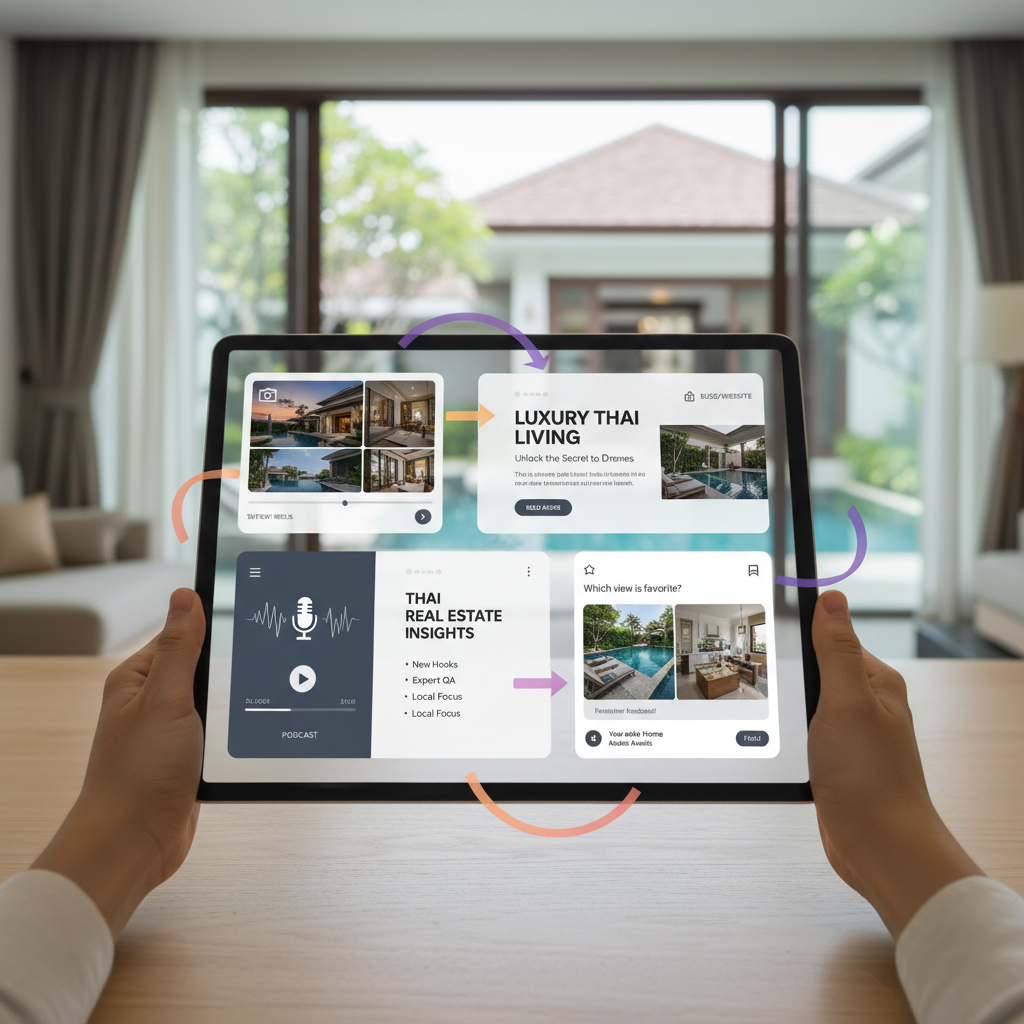
How to Keep Repurposed Content Fresh Across Multiple Channels
Repurposing content doesn't mean copy-pasting the same message everywhere. The brands that succeed understand this: they transform core ideas into platform-native formats, customize hooks for different audience contexts, space out distribution strategically, and add personal commentary that makes each iteration feel original. Tools like Repostra.app can handle scheduling logistics, but the human touch—that's what turns recycled content into something that feels genuinely new on every platform.
Key Takeaways
- Transform formats completely instead of just tweaking text length
- Customize opening hooks to match how users scroll on each platform
- Stagger cross-platform distribution by weeks to prevent audience fatigue
- Add fresh personal commentary to update older evergreen assets
- Build content around native platform features to satisfy algorithms
Why Does Your Repurposed Content Feel Repetitive?
Most brands treat repurposing like a copy machine exercise. They grab a blog post, paste the opening paragraph into a social update, and blast it everywhere simultaneously.
The result? Content that feels robotic. Lazy. Algorithms in 2026 actively punish this approach by limiting reach for non-native formats.
The common mistake is ignoring audience overlap. Your followers see you on LinkedIn and Instagram. When they encounter identical hooks, formats, and messaging across three different channels within hours of each other, the content becomes background noise.
What Does Platform-Native Content Actually Mean?
Platform-native content is designed specifically for how people use that platform. It respects the digital environment. Social algorithms in 2026 give preferential treatment to posts that use native features effectively.
Think about it this way: each platform is like someone's living room. The conversation style that works at a formal dinner party doesn't work at a backyard barbecue.
"Our job isn't to rearrange their furniture or tell them how to host. Our job is to add value to the moment and respect the tone of their space."
Aubree Schaefer, Senior Content Strategist at Sprout Social
Transforming a format means changing the actual medium. A blog post about productivity shouldn't become a long text block on Pinterest. Instead, it becomes a visual infographic. On LinkedIn, it becomes a professional carousel.
According to Buffer's 2025 research, LinkedIn carousels earn 278% more engagement than standard text or video formats. Adapting your format is the single best way to capture this native reach.
How Do You Customize Hooks for Each Platform?
The exact same core message requires completely different entry points based on user mindset. A person on LinkedIn expects professional authority. A person on TikTok wants an immediate pattern interrupt.
Instead of copying your article headline everywhere, adjust the opening line to match the scroll context.
- LinkedIn: "Most professionals get productivity wrong. Here's why."
- TikTok: "Stop doing this if you want to save two hours a day."
- Email: "I tested 10 productivity hacks, and only three actually matter."
By changing the hook, you change the entire framing. You can also lead with data-driven storytelling. Start with a surprising statistic to immediately capture attention.
What Formats Should You Transform Content Into?

A laptop screen showing various platform-native content formats like carousels, short videos, and infographics
True adaptation means changing the container, not just the words inside it. You want to extract full value from your original effort by mapping it to new formats.
Format transformation matrix:
- Blog post: Becomes a LinkedIn carousel, YouTube script, or Pinterest guide
- Long video: Becomes podcast audio, short video clips, or quote graphics
- Research report: Becomes a visual infographic, email series, or opinion piece
This is often called the pillar-cluster framework. One deep-dive webinar serves as source material for eight smaller pieces.
Using software like Repostra.app helps you manage resizing and format shifts automatically. That frees your schedule to focus entirely on creative strategy.
How Do You Prevent Content Fatigue Through Strategic Scheduling?
Simultaneous posting is a massive error. When you publish the exact same message everywhere at the exact same time, you alienate your biggest fans who follow you across multiple platforms.
Step 1: Use the spacing technique. Stagger your distribution. Wait at least seven to 14 days before publishing a repurposed version on a new channel.
Step 2: Follow platform priority. Start with platforms where content has a long shelf life, like your blog or YouTube. Then move to ephemeral channels like TikTok or Instagram Stories.
Audiences naturally forget content quickly. Spacing out your posts ensures that by the time someone sees the LinkedIn version, they've forgotten the newsletter version from three weeks ago.
How Can You Add Authenticity to Repurposed Content?
AI-generated content is flooding feeds everywhere. As a result, audiences crave unpolished, human-centric posts.
According to Sprout Social's 2025 Index, 93% of consumers believe it's important for brands to be culturally relevant on social media. Copy-pasting old content strips away that relevance.
You need to inject a human touch. Add a recent update section to your evergreen material. Share a brief story about what you learned since you originally published the piece.
You should also prioritize community-led adaptation. Turn static statements into questions. End a repurposed post by asking how the audience handles the specific challenge. This transforms a one-way broadcast into an active conversation.
Your Complete Workflow for Keeping Repurposed Content Fresh
Building a system makes adaptation scalable. Follow a predictable workflow to ensure quality control on every channel.
Start by creating pillar content with repurposing in mind. Identify the derivative pieces you want to make. Customize the hooks, transform the formats, and add recent commentary. Finally, schedule the assets with strategic spacing.
| Strategy | How to Execute |
| :--- | :--- |
| Transform | Don't copy. Convert formats natively, like changing a blog into a carousel. |
| Customize | Change the opening hook to match the specific platform audience. |
| Stagger | Space out posts to avoid audience content fatigue. |
| Update | Add fresh personal commentary or recent data to evergreen content. |
Managing all this manually can feel overwhelming. Integrating a tool like Repostra.app handles the actual distribution and scheduling mechanics. This keeps you focused on the high-value work of adapting the message.
What Do Successful Brands Do Differently With Repurposed Content?
Brands that win at content marketing don't post more. They post smarter.
Consider a software company launching a massive guide on project management. They don't just share the link four times. They pull the best data points to create a LinkedIn visual. They shoot a casual video for TikTok highlighting one core tip. They write an exclusive email case study for their subscribers.
The content core remains identical, but the wrapping changes. Each piece feels like an original creation explicitly made for that specific audience.
FAQ
How long should I wait before repurposing content to a different platform?
Wait a minimum of seven to 14 days between platform versions. Audiences experience a natural forgetting curve. Spacing out your distribution ensures the content feels fresh rather than repetitive.
Is repurposing content bad for SEO?
No, repurposing is completely safe for SEO when done correctly. Different social platforms don't compete in search engine results the way identical blog posts would. If you cross-post articles to other websites, simply use canonical URLs to point back to your original source.
What is the best content to repurpose first?
Start with your highest-performing evergreen content. Check your analytics to identify the top 20% of your posts. These proven pieces already resonate with your audience, making them perfect candidates for format transformation.
How many platforms should I repurpose content to?
Prioritize quality over quantity. Start with three platforms you can manage well. Mastering the native formats of a few channels yields better engagement than spreading identical, low-effort content across ten different networks.
Can software tools help with content repurposing while keeping it fresh?
Yes, tools handle the logistical heavy lifting. A platform like Repostra.app manages scheduling, resizing, and cross-channel coordination. This automation gives you the time needed to apply human creativity, craft unique hooks, and update commentary.